October 12, 2026
Free Project Management Tools: What the Free Plans Actually Include
Most project management tools have a free plan. What "free" actually gets you varies a lot: some plans cap users, others cap projects, boards, or storage. Here's what the free plans include, grouped by the kind of work you do.
A free plan can be enough to run a small team for years, or it can run out the week you invite your fifth colleague. The difference is rarely in the headline. It's in the limits: how many people can join, how many projects or boards you can create, how much you can store, and which views or features are reserved for paid plans.
The tables below list what each free plan includes, based on each vendor's pricing page. They're not a ranking. Different tools limit different things, and the right free plan is the one whose limits your team won't hit.
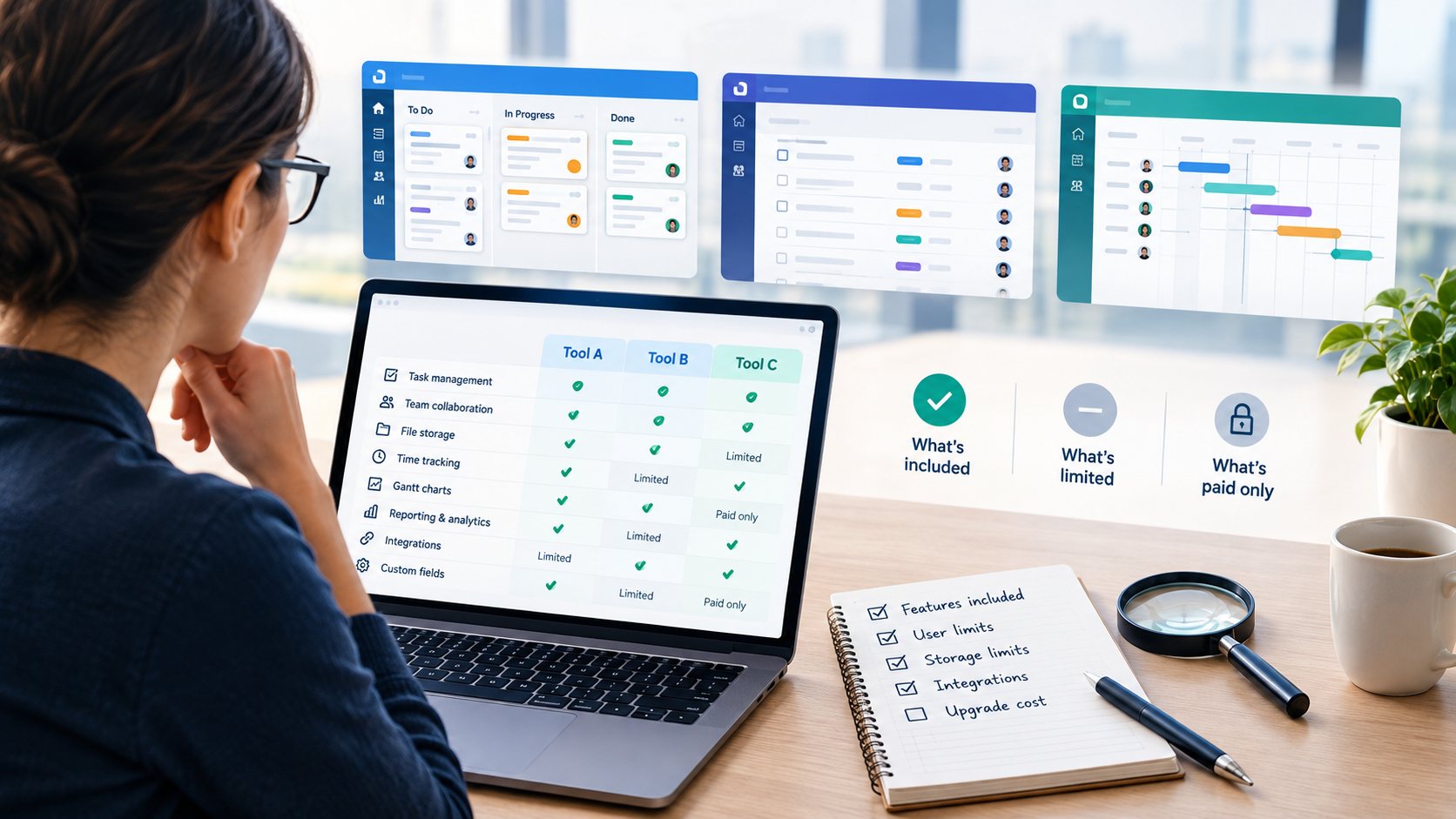
What to check in a free plan
Before comparing tools, it helps to know which limits matter for your team:
- Users — how many people can join, and whether guests or viewers count toward the limit.
- Projects, boards, or records — some plans are generous with users but allow only a few projects.
- Storage and file size — small caps matter if your team shares files and attachments.
- Views and features — timeline, Gantt, reporting, and automations are often paid features.
- What happens when you outgrow it — how big the step to the first paid plan is, in both price and features.
For small teams managing projects
General project management tools for tasks, boards, and team collaboration.
| Tool | Free plan limit | What the free plan includes | Paid plans from |
|---|---|---|---|
| Trello | Up to 10 boards per Workspace | Unlimited cards, unlimited Power-Ups per board | $5 per user / month |
| Asana | Up to 2 users (Personal plan) | Unlimited tasks and projects | $10.99 per user / month |
| ClickUp | 60 MB storage | Unlimited tasks, Kanban boards | $7 per user / month |
| monday.com | Up to 2 seats, 3 boards | Up to 3 Docs, 200+ templates | €9 per seat / month |
| Wrike | Active task limits apply | Project and task management, board and table views, web, desktop, and mobile apps | $10 per user / month |
| Zoho Projects | Up to 5 users, 3 projects | 5 GB storage, subtasks, whiteboard, mobile apps | €4 per user / month |
| Teamwork.com | Up to 5 users and 5 projects | Task, list, board, Gantt, and table views | $9.99 per user / month |
| Basecamp | 1 project, up to 5 users | 1 GB storage | $25 per month (Freelancer) |
| Freedcamp | No user or project limit | Tasks, discussions, calendar, files, and milestones | $1.49 per user / month |
| MeisterTask | Up to 3 projects | Unlimited tasks and team members | €12.50 per user / month |
The pattern here: tools that allow more users usually limit projects or boards, and tools with unlimited tasks often limit users or storage. Asana and monday.com are free for two people, which suits a pair or a freelancer with a client. Zoho Projects and Teamwork.com fit a team of five with a few projects. Freedcamp has no user or project limit, with fewer advanced features.
For software and agile teams
Issue trackers and agile tools with backlogs, boards, and sprints.
| Tool | Free plan limit | What the free plan includes | Paid plans from |
|---|---|---|---|
| Jira | Up to 10 users | Unlimited projects and tasks; backlog, board, timeline, and calendar views; 2 GB storage | $9.05 per user / month |
| Linear | Unlimited members, 2 teams | Issues, projects, cycles, and initiatives; API access | $10 per user / month |
| GitHub Projects | Part of GitHub Free | Issues and Projects, unlimited repositories, 2,000 CI/CD minutes per month | $4 per user / month |
| Shortcut | Up to 10 users | Kanban views, roadmap, iterations, GitHub and Slack integrations | $8.50 per user / month |
| Plane | Up to 12 users | Projects, cycles, modules, five layouts, project pages | $6 per seat / month |
| Azure DevOps | First 5 users | Boards, unlimited private Git repos, 1 CI/CD job | $6 per extra user / month |
| OpenProject | Self-hosted Community edition | Community features, no minimum users | €5.95 per user / month |
Agile tools are generous at small scale: Jira and Shortcut cover up to 10 users, Plane up to 12, and Linear has no member limit on its free plan. If you'd rather host the tool yourself, OpenProject's Community edition and other open-source tools such as Taiga and Redmine avoid per-user pricing, at the cost of setting up and maintaining a server.
For time tracking
Timers, timesheets, and reports, on their own or alongside a project tool.
| Tool | Free plan limit | What the free plan includes | Paid plans from |
|---|---|---|---|
| TimeCamp | Unlimited users | Unlimited projects, timesheets, idle time tracking, web, desktop, and mobile apps | $3.99 per user / month |
| Clockify | Up to 5 users | Unlimited tracking, time tracker and timesheet, calendar | $3.99 per seat / month |
| Toggl Track | Limited number of users | Manual and real-time timers, calendar integrations, personal reports | $9 per user / month |
| My Hours | Up to 5 active users | Unlimited projects and clients, reports | $4 per user / month |
| Everhour | Up to 5 seats | Time tracking, projects and tasks, reports, data export | $10 per seat / month |
| Harvest | 1 seat, 2 projects | Time tracking, invoicing, and expenses | $9 per seat / month |
For a team, the user limit is what matters most: TimeCamp has none, while Clockify, My Hours, and Everhour cover up to five people. Harvest's free plan is built for one person, but it includes invoicing, which suits a freelancer who bills by the hour. Looking beyond free plans? See Everhour alternatives, grouped by how teams track time.
For docs, wikis, and whiteboards
Shared documents, knowledge bases, databases, and visual collaboration.
| Tool | Free plan limit | What the free plan includes | Paid plans from |
|---|---|---|---|
| Notion | 5 MB file uploads, 7 days page history | Pages and databases, up to 10 external guests | €9.50 per member / month |
| Confluence | Up to 10 users | Pages, spaces, databases, templates, up to 3 active whiteboards per user | $6.70 per user / month |
| Coda | AI features as a trial only | Collaborative docs, connected tables, views, forms, formulas, and automations | €12 per Doc Maker / month |
| Airtable | Up to 5 editors, 1,000 records per base | Unlimited bases, 100 automation runs | $20 per seat / month |
| Miro | 3 editable boards | 7,000+ templates; docs, tables, slides, and Kanban | $8 per member / month |
| Mural | 3 editable murals at a time | Unlimited members, all visual collaboration tools | $9.99 per member / month |
Here the limits are about content more than people. Notion's free plan works for small teams but keeps only a week of page history; Confluence covers up to 10 users; Airtable caps records per base; Miro and Mural cap how many boards you can edit at once.
For Gantt charts and timelines
Tools for planning schedules or turning a plan into a visual for stakeholders.
| Tool | Free plan limit | What the free plan includes | Paid plans from |
|---|---|---|---|
| Lucen Timeline | Up to 10 milestones or tasks per slide | Simple timelines for PowerPoint (1-year license, renewed annually) | $9 per user / month |
| Preceden | Up to 10 events per timeline | Unlimited timelines, export to PDF, PNG, and PowerPoint | $10 per month |
| Tom's Planner | 1 project schedule, up to 200 rows | Collaborate on schedules you're invited to | $9.95 per month |
| Instagantt | Up to 3 Asana projects | Gantt charts, dependencies, and milestones | $10 per month |
| RationalPlan | Up to 2 users, 2 projects, 100 tasks | Gantt scheduling, 10 MB storage | $4 per user / month |
| Gantt Excel | Free version of the template | Gantt chart template that runs in Excel | $99.95 one-time purchase |
Free timeline and Gantt plans are usually limited by size: events per timeline, rows per schedule, or projects. They work well for one plan or a quick stakeholder visual. For a broader look at these tools, see our guide to timeline software.
When a free plan stops being enough
A free plan is a good way to test a tool with real work. These are the usual signs it's time to look at a paid plan, or at another tool:
- You keep deleting old projects, boards, or files to stay under a limit.
- New team members can't join, or have to share an account.
- You need a view the free plan doesn't include, such as a timeline, Gantt chart, or dashboard.
- You're rebuilding reports or automations by hand that a paid plan would handle.
When that happens, compare the first paid plan with the alternatives before upgrading. The step from free to paid is very different from tool to tool, and the cheapest upgrade isn't always the best fit for how your team works.
Quick answers: is it free?
- Is Trello free? Yes, with unlimited cards and up to 10 boards per Workspace. Pricing
- Is Asana free? Yes, for up to 2 users (Personal plan). Pricing
- Is ClickUp free? Yes, with unlimited tasks and 60 MB of storage. Pricing
- Is monday.com free? Yes, for up to 2 seats and 3 boards. Pricing
- Is Jira free? Yes, for up to 10 users. Pricing
- Is Notion free? Yes, with 5 MB file uploads and 7 days of page history. Pricing
- Is Smartsheet free? No, paid plans only. Pricing
Choose by the limit you won't hit
The useful question isn't which tool has the "best" free plan. It's which limit your team is least likely to run into: users, projects, storage, or features.
Prices and limits in this article were checked in October 2026 on each vendor's pricing page. Vendors change their plans often, so check each tool's page for the current details. Prices in euros are shown as the vendor displays them in Europe.
To narrow down a shortlist, use the comparison tool to put up to three tools side by side, or read How to Choose Project Management Software for a simple way to decide what you need first.